A traditional RMM (NinjaOne, Datto RMM, ConnectWise Automate, N-able N-central, Atera, Kaseya VSA, Pulseway, Syncro) excels at remote scripting, basic patching, and inventory. It does not, on its own, give you compliance evidence for CMMC 2.0 or NIST CSF; it does not detect Microsoft 365 or Google Workspace breaches; it does not run an indicator-of-compromise hunt for ransomware staging tools; and it does not produce co-branded posture reports for client QBRs.
Many MSPs respond by stacking five-to-seven separate point tools — a GRC tool, a SaaS-discovery tool, a cloud breach-detection tool, an application-control tool, an admin-elevation tool, a phishing-reporting tool, and a separate helpdesk. The result is fragmented data, friction during incidents, and a procurement bill that quietly creeps past US$1,000 per technician per month.
RMM augmentation tools take a different approach: one platform that drops in alongside your existing RMM and provides the security, compliance, and analytics layer the RMM was never designed to deliver.
What to look for
- RMM-native deployment. The augmentation tool must deploy through your existing RMM the way you deploy everything else — as a Datto component, a NinjaOne automation, a ConnectWise script, an Atera script, a Kaseya VSA procedure, or a Microsoft Intune deployment. If you cannot push it from the RMM you already pay for, it will sit on a shelf.
- Cross-platform parity. Your fleet is not Windows-only any more. Look for one agent that handles Windows, macOS, and Linux from one console — patching, configuration assessment, and security parity across all three.
- GRC framework breadth. Your clients ask about CMMC 2.0, NIST CSF, CIS Controls, SOC 2, ISO 27001, HIPAA, PCI DSS, PIPEDA, BC / Alberta HIA, NERC CIP, IIROC, CPA Canada, and Australian Essential Eight. The augmentation tool should map your RMM's telemetry to these frameworks automatically.
- Cloud breach detection. Microsoft 365, Entra ID, Azure, and Google Workspace breaches do not show up in RMM data. The augmentation tool should pull from those tenants directly and correlate the cloud signals with your endpoint data.
- Replacement and reliability analytics. RMM lifecycle data is typically a static "first seen" date. Useful augmentation tools score replacement priority across battery cycles and capacity, drive SMART data, TPM version, available RAM, and processor age.
- Per-named-agent helpdesk and remote support (optional). If you are already paying for Zendesk and Bomgar / BeyondTrust separately, an augmentation tool that bundles per-named-agent helpdesk and remote support can collapse three line items into one.
- Multi-tenant by design. The tool should treat your client orgs as first-class tenants with isolation, white-label reporting, and per-client billing — not as tags on a single shared workspace.
Options to evaluate
Lavawall®MSP cybersecurity, GRC, and analytics platform that augments any RMM
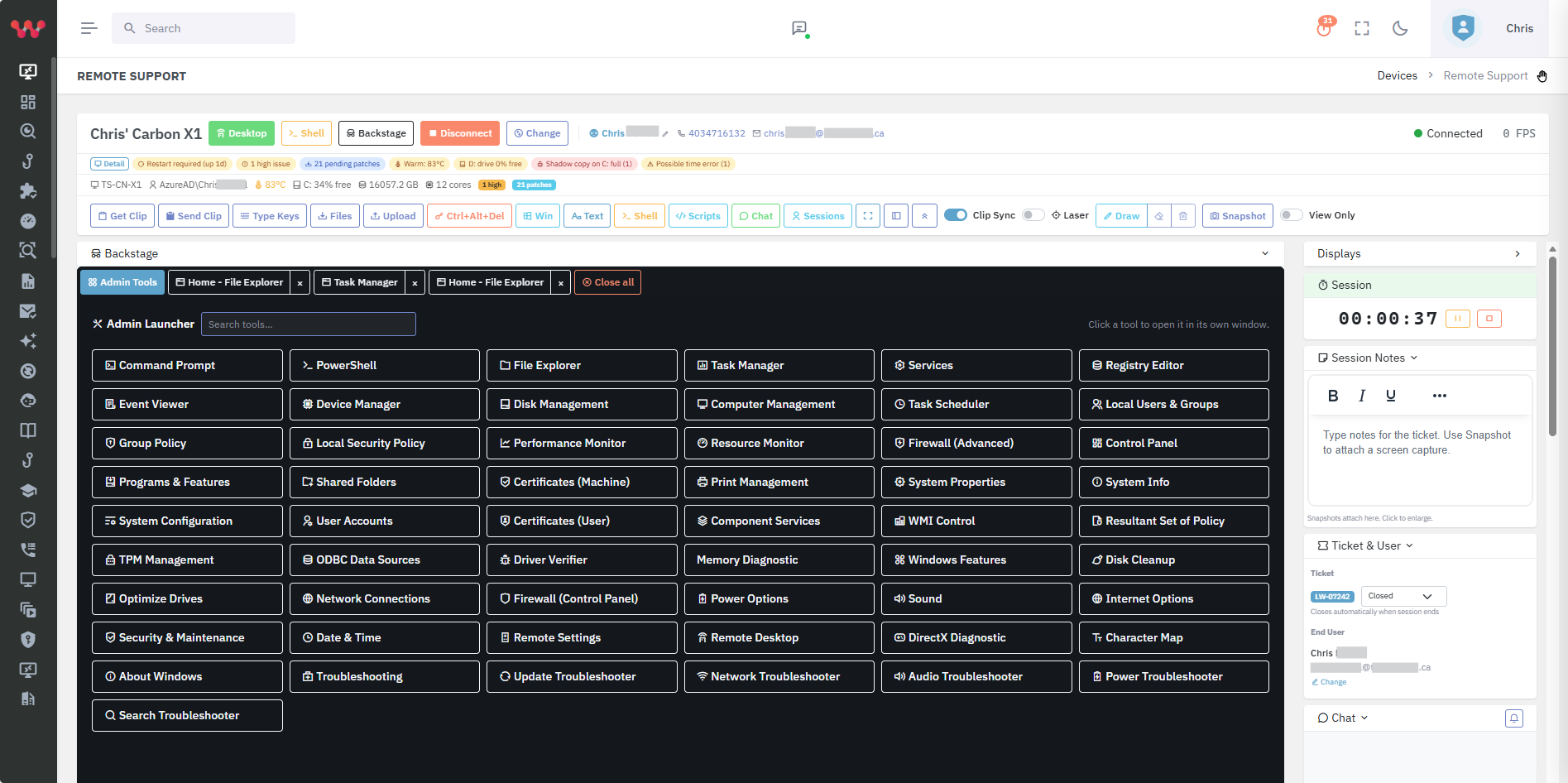
Drops alongside any RMM as a Datto component, a NinjaOne / ConnectWise / Atera / Kaseya VSA / Intune script, or a single-line Windows / macOS / Linux installer. Adds 7,500+ application patching, 15+ GRC frameworks, M365 / Azure / Entra and Google Workspace breach detection, SaaS / shadow-AI discovery, replacement prioritization, application control without a kernel driver, and optional per-named-agent helpdesk and remote support. Built and used by ThreeShield, an audit firm.
Best when: MSPs that want one augmentation layer for security, compliance, breach detection, and analytics without ripping out their RMM.
HuntressManaged EDR / ITDR / SIEM
Strong managed detection and response for endpoints and Microsoft 365 with a 24/7 SOC. Focused on detection and response — not a patching platform, GRC platform, or replacement-prioritization tool.
Best when: MSPs that want a managed SOC layer alongside endpoint AV; complementary to Lavawall®, which integrates with Huntress.
ThreatLockerApplication control and ringfencing
Mature kernel-driver-based application allowlisting and ringfencing. Strong if you want a deep zero-trust ringfencing model. Not a GRC, breach-detection, or RMM-augmentation tool by itself.
Best when: MSPs whose primary need is enterprise-grade application allowlisting and who can absorb the operational overhead of kernel-level agents.
Vanta or DrataGRC for SaaS companies
Single-tenant GRC platforms aimed at SaaS startups chasing SOC 2 / ISO 27001. Polished UX. Not multi-tenant; not endpoint or cloud agents themselves.
Best when: A SaaS company's own corporate compliance — not for delivering compliance-as-a-service across many MSP client tenants.
CASB / SaaS-discovery point toolsShadow-IT discovery
Standalone SaaS-discovery products typically priced for enterprise. Useful if you only need shadow-IT visibility and are willing to pay an enterprise CASB price.
Best when: Large enterprises with a dedicated CASB program and the budget to absorb a separate seven-figure tool.
How Lavawall® fits
Lavawall® was designed specifically as an augmentation layer. The pricing page describes a typical 50-device, 3-technician MSP running on five-to-seven separate tools — RMM/patch, GRC starter (Vanta/Drata-class), application control (ThreatLocker-class), M365 monitoring add-on, helpdesk (Zendesk-class), remote support (Bomgar/BeyondTrust-class), and SaaS discovery — and shows how Lavawall® consolidates the security, GRC, breach-detection, app-control, M365 monitoring, helpdesk, and remote support layers into one platform.
Critically, Lavawall® does not require you to leave your existing RMM. For Datto RMM users, Lavawall® is a deployable component. For NinjaOne, ConnectWise Automate, Atera, Kaseya VSA, and Microsoft Intune users, Lavawall® provides ready-made PowerShell and bash deployment scripts. If your RMM can run a script, you can deploy Lavawall®.
For MSPs already running Huntress, Sophos MDR, or Microsoft Defender for endpoint protection, Lavawall® integrates with all three via API and surfaces incidents in the same console as Lavawall's own findings — avoiding the multi-tab swivel-chair problem.
Frequently asked
- Will RMM augmentation eventually replace my RMM?
- It can, but it does not have to. Lavawall® supports both modes — many MSPs run Datto RMM or NinjaOne for traditional remote-management work and let Lavawall® handle security, GRC, breach detection, and analytics. Some MSPs eventually consolidate; others keep both indefinitely.
- How disruptive is deploying an augmentation layer?
- If the tool deploys through your existing RMM, the disruption is essentially zero. Lavawall® installs via a Datto component or a single PowerShell / bash command. The agent is silent on the endpoint and produces value the day it lands.
- How is RMM augmentation different from XDR?
- XDR (Extended Detection and Response) is a security-only category — it correlates endpoint, network, and cloud detection signals. RMM augmentation is broader: it covers security but also patching, GRC compliance, replacement prioritization, helpdesk, and remote support. Lavawall® includes XDR-class capabilities (M365 / Entra ITDR, ransomware indicator hunting, AV/EDR correlation) but is not exclusively an XDR.